Ergonomic 7-Keys Gaming Mouse LED Backlit Rechargeable 2.4G Wireless Mute 3D Right-handed Mouse for Computer Laptop IOS Android


Ergonomic 7-Keys Gaming Mouse LED Backlit Rechargeable 2.4G Wireless Mute 3D Right-handed Mouse for Computer Laptop IOS Android
SPECIFICATIONS
Certification: RoHS
DPI: 1600
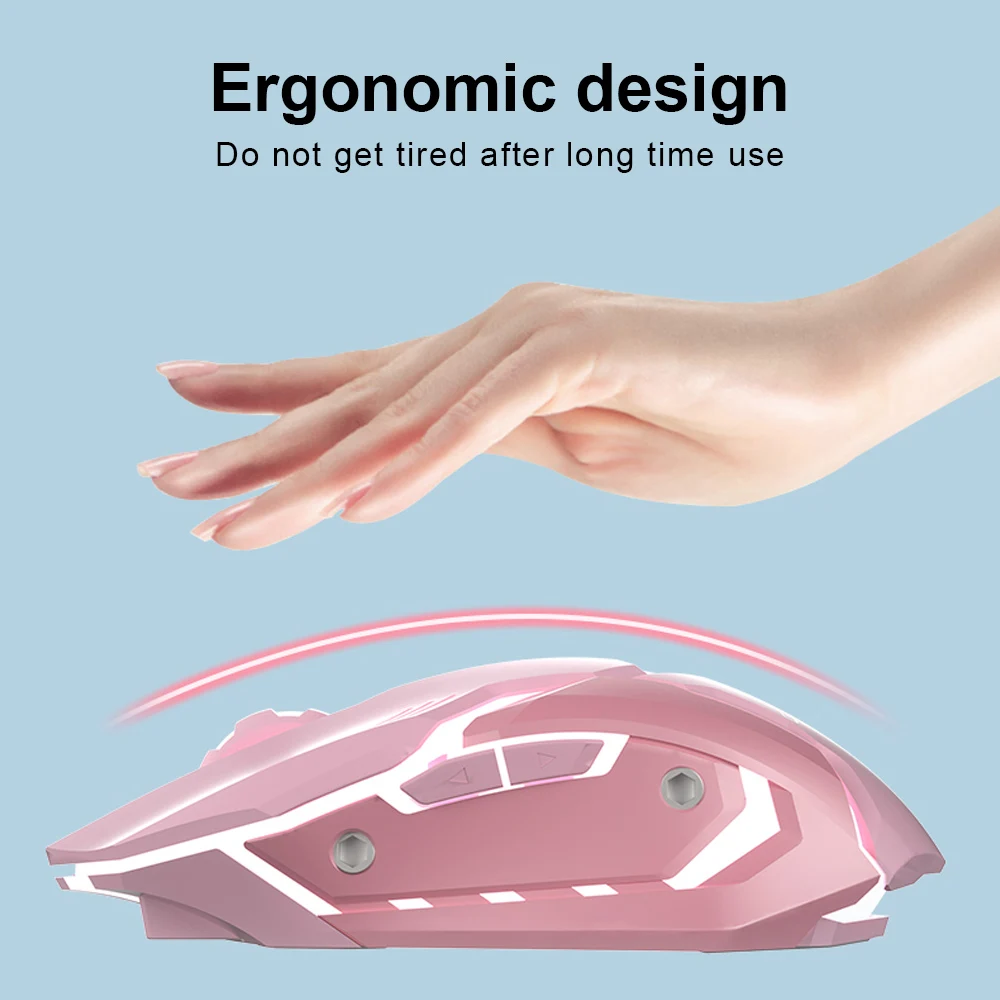
Ergonomics: Yes
Gross Weight: 150g
Hand Orientation: Both Hands
Number of Buttons: 7
Number of Rollers: 1 pcs
Origin: CN(Origin)
Package: Yes
Style: 3D
Type: 2.4Ghz Wireless
backlit: RGB
dpi: 1600
hand orientation: Right
interface type: Usb
number of buttons: 7
number of rollers: 1
place of origin: Guangdong, China
power type: Rechargeable
private mold: Yes
programmable: No
style: Gaming
tracking method: Laser
type: 2.4Ghz Wireless
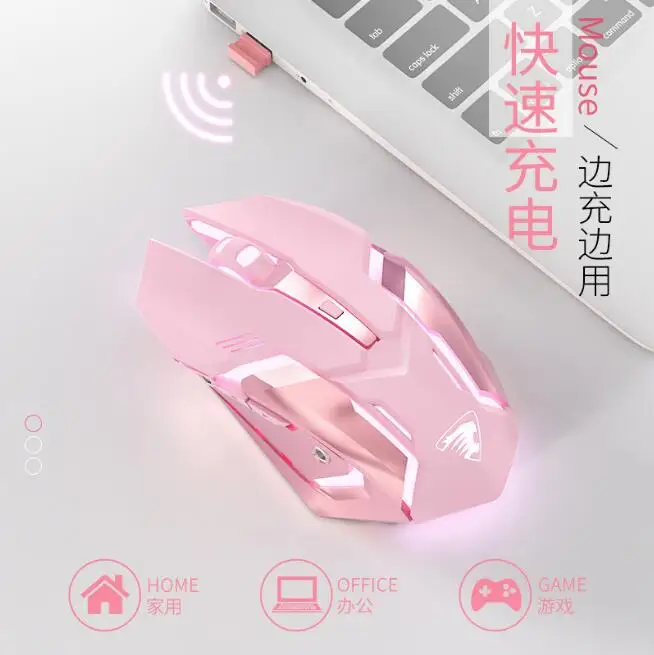
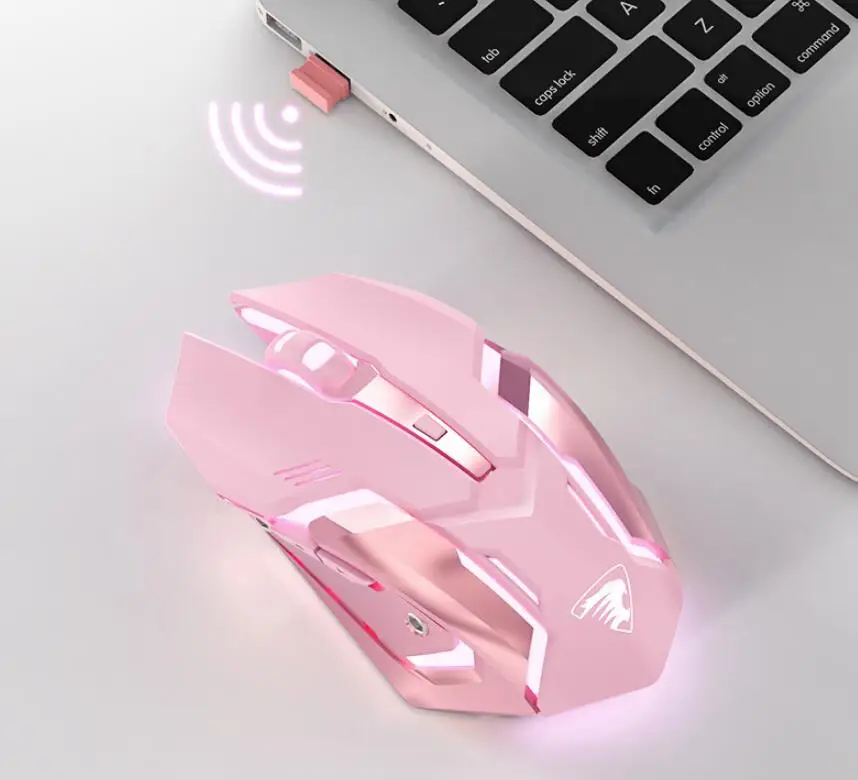
LED Backlit Mice 7 Keys Gaming Mouse Rechargeable 2.4G Wireless Mute Ergonomic Mouse for Computer Laptop IOS Android
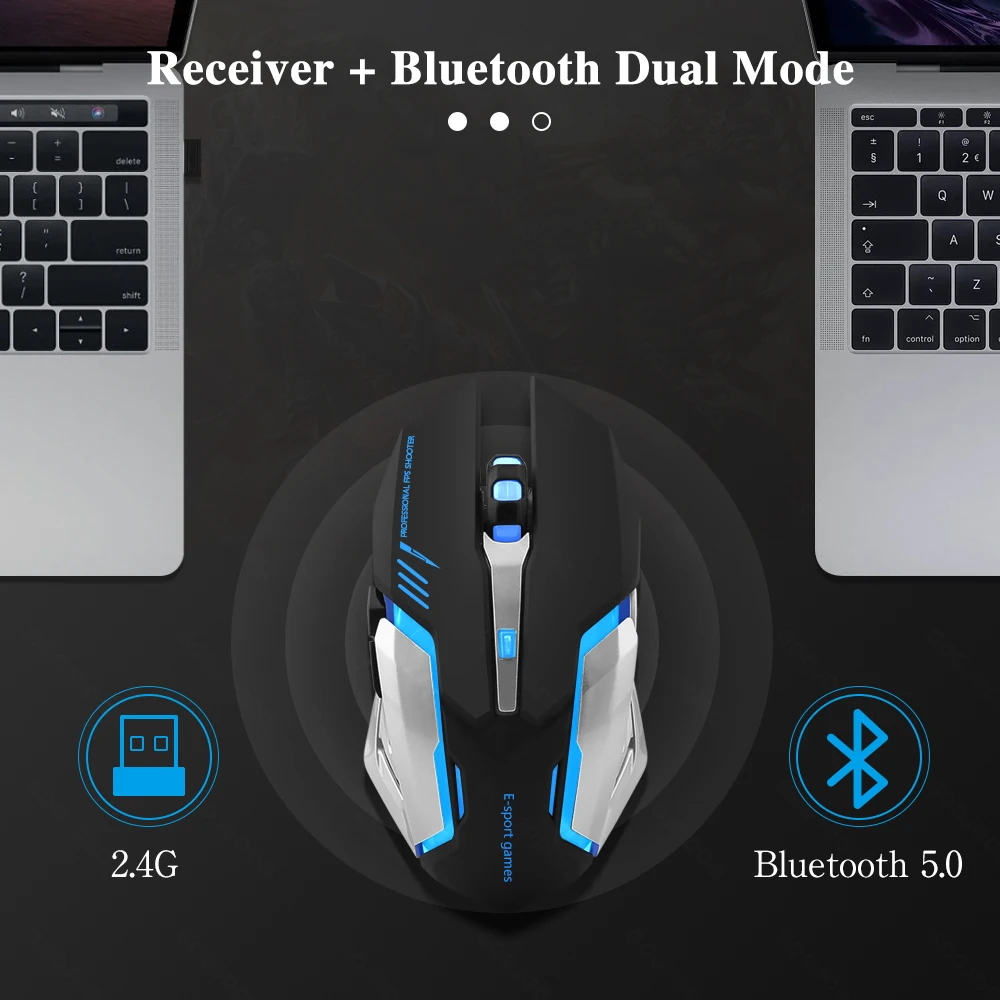
Dual-mode Wireless Mouse
-
Two connection methods: USB receiver and BT
-
Suitable for PC, Phone, ipad, etc.
-
The response is instant, so that the mouse has zero delay in intense games, which is very suitable for e-sports gamers
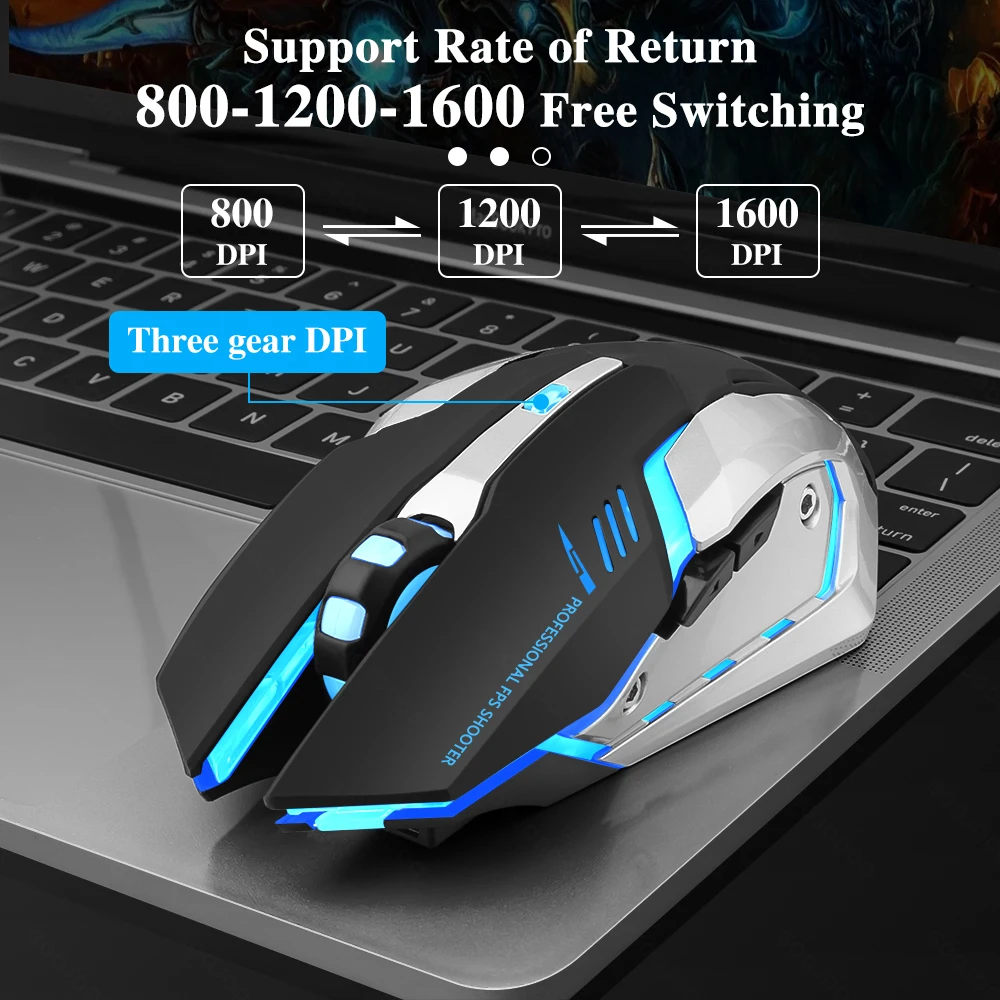
Three-speed DPI Sensitivity Adjustment (800-1200-1600)
-
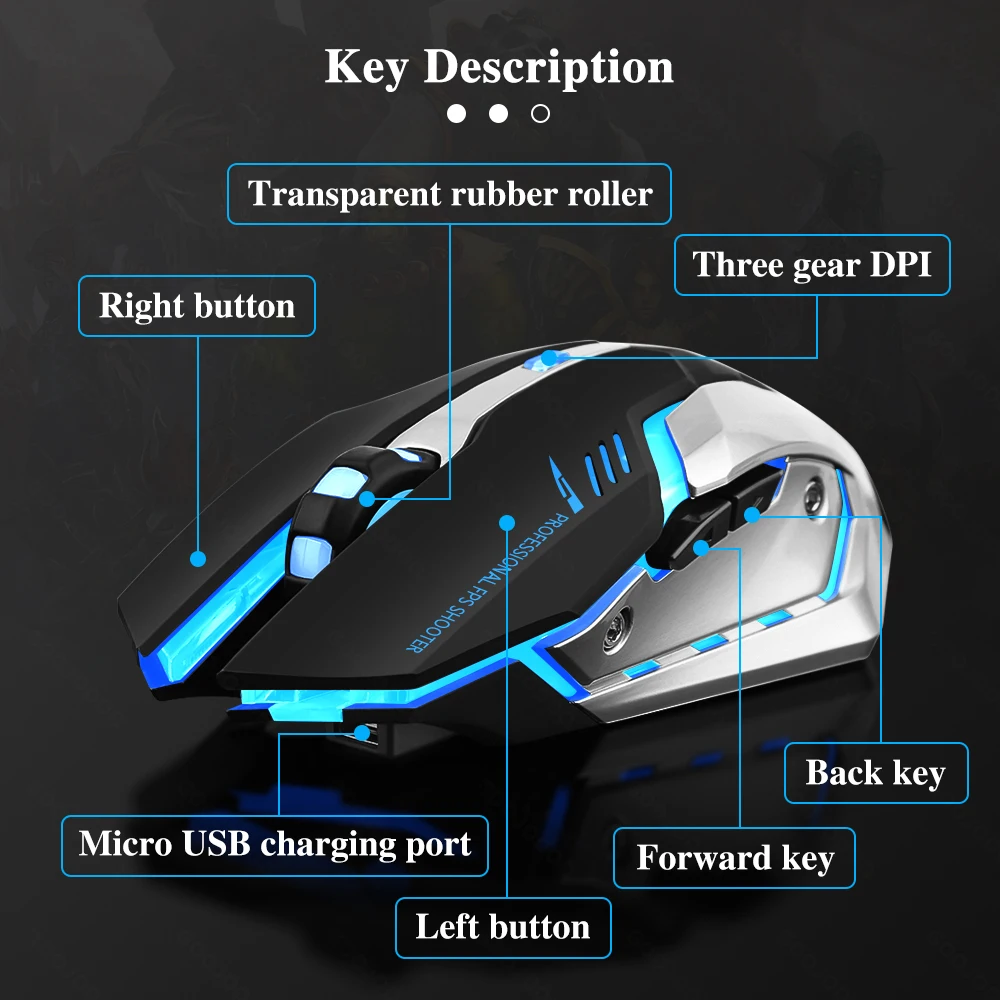
Press the button under the scroll wheel to adjust the three-level DPI sensitivity (800-1200-1600)
-
Without any driver, the mouse can be used by plugging the USB into the computer, which is very suitable for games and office, and meets your various needs.
-
This mouse provides extremely high stability when playing games. The newly designed two buttons on the side can quickly choose to move forward or backward.
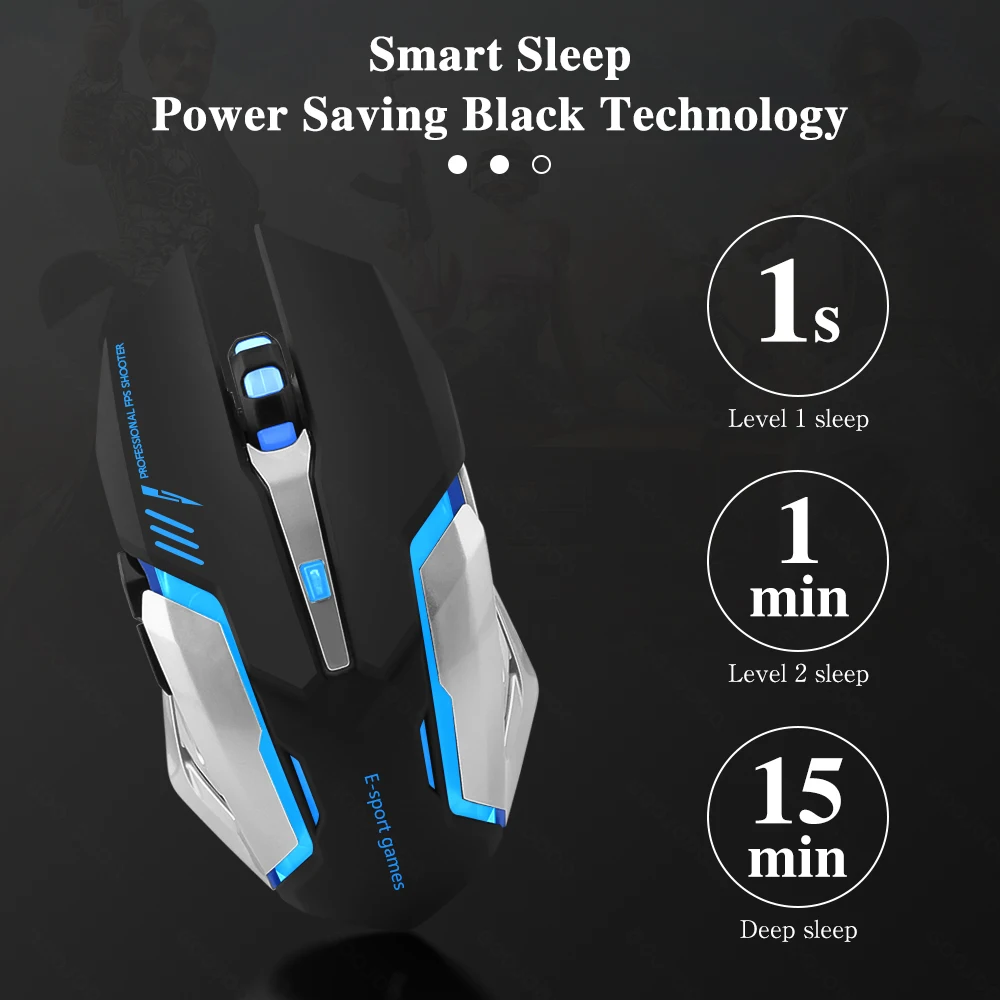
Smart Sleep & Power Saving Black Technology
-
When the mouse is not operating, it will automatically enter the sleep mode within a short period of time.
-
You could wake up the mouse by pressing the mouse key or the scroll wheel.
LED Gaming Mouse Connection Steps
-
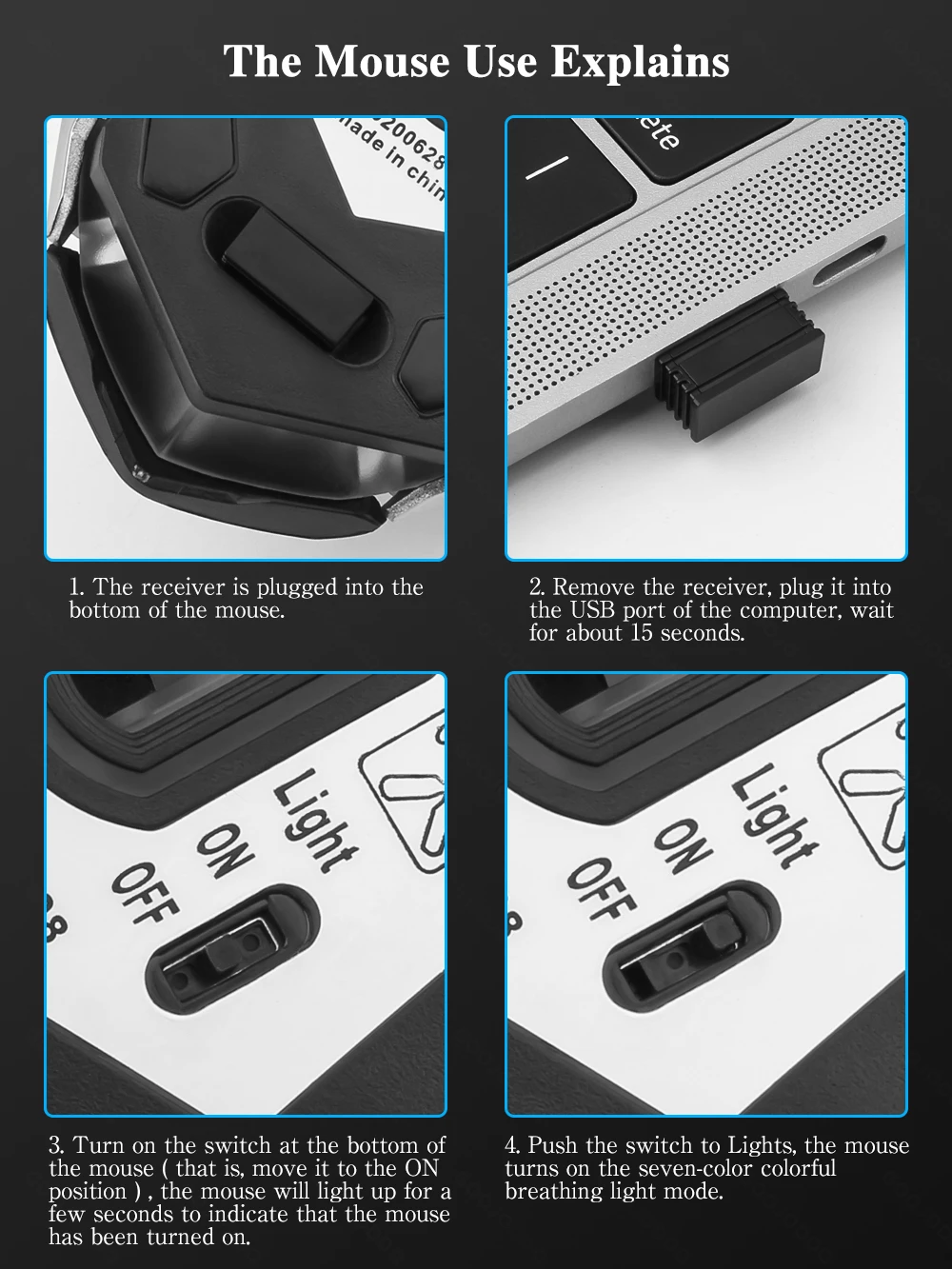
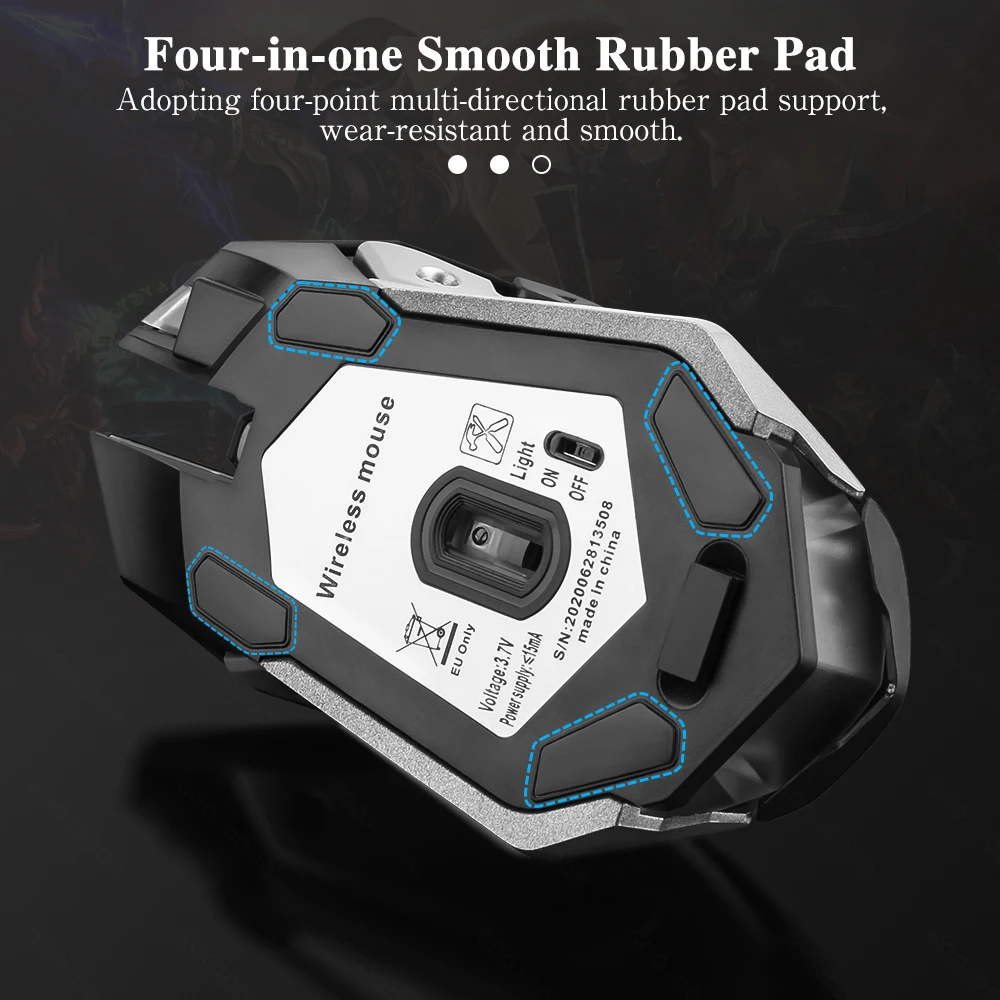
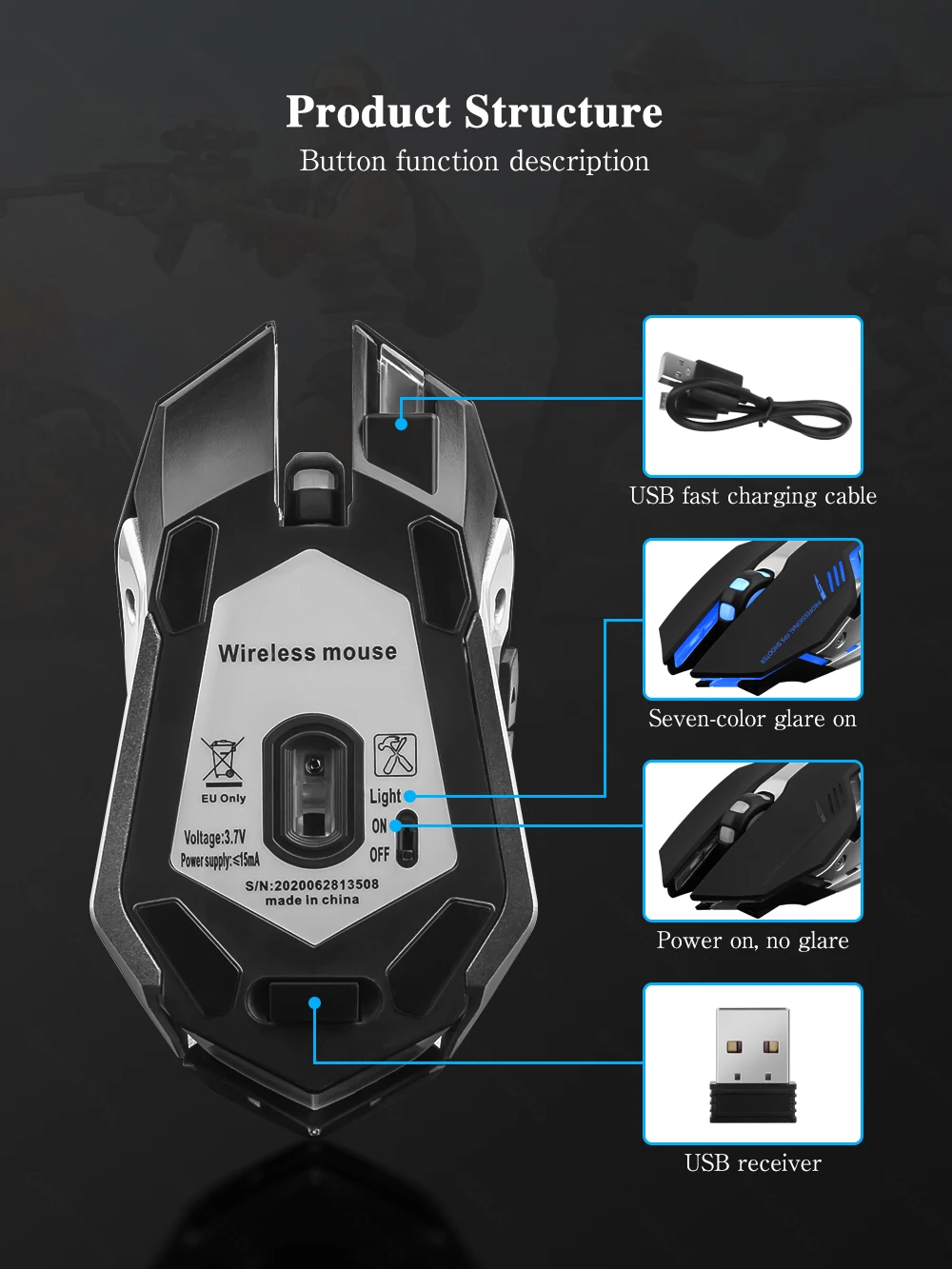
Take out the receiver at the bottom of the mouse, plug it into the USB port of the computer, and wait for about 15 seconds.
-
Turn on the switch at the bottom of the mouse (move it to the ON position), the mouse lights up for a few seconds means: the mouse is turned on.
-
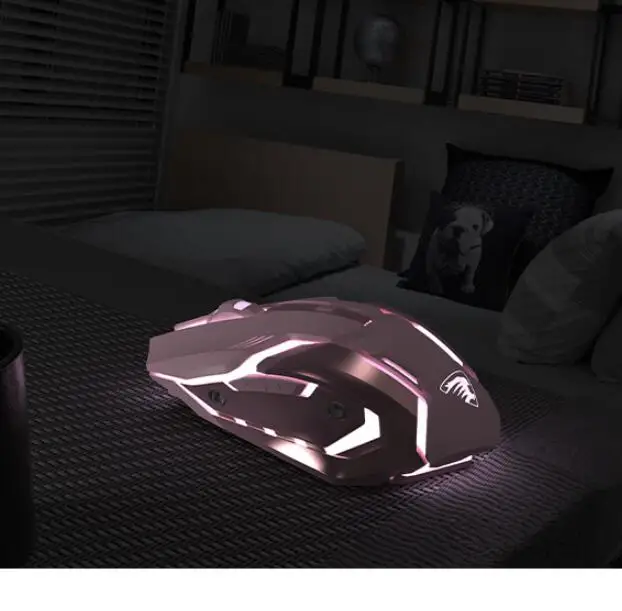
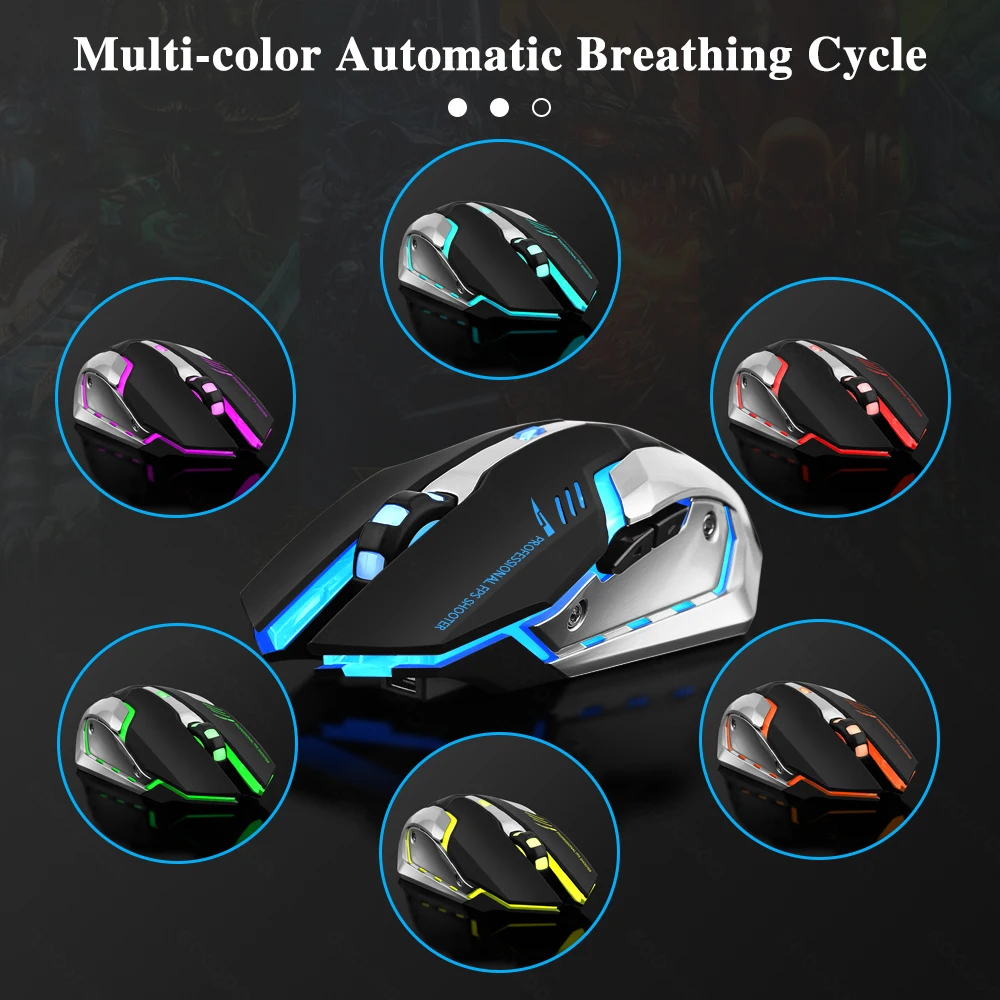
Push the switch to Lights, the mouse will turn on the seven-color breathing light mode.
-
BT connection: Push the switch to ON and the red light flashes, then you could connect to the mouse BT.
-
Note: When charging, the switch needs to be pushed to Lights to avoid charging failure.